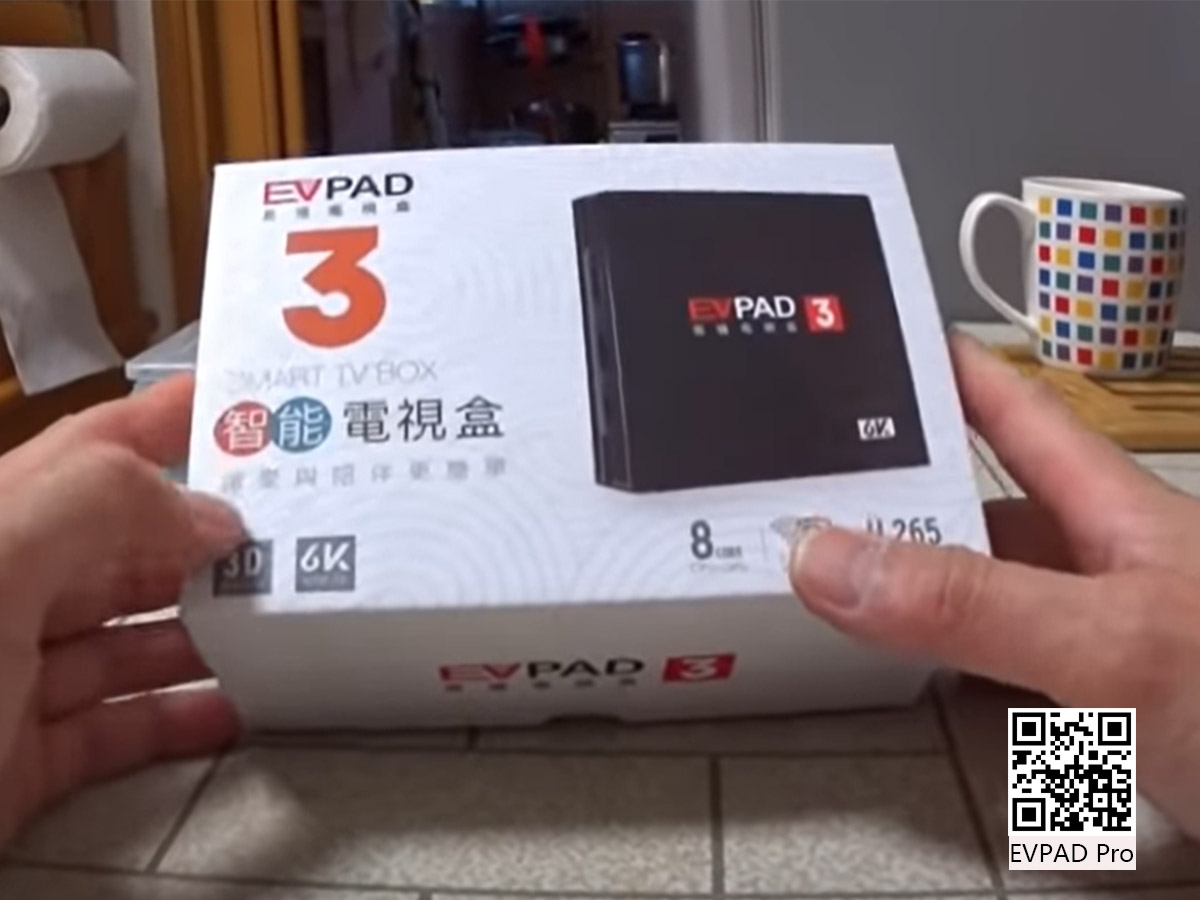
The Movie Column in EVPAD - Wonderful Should Not be Missed
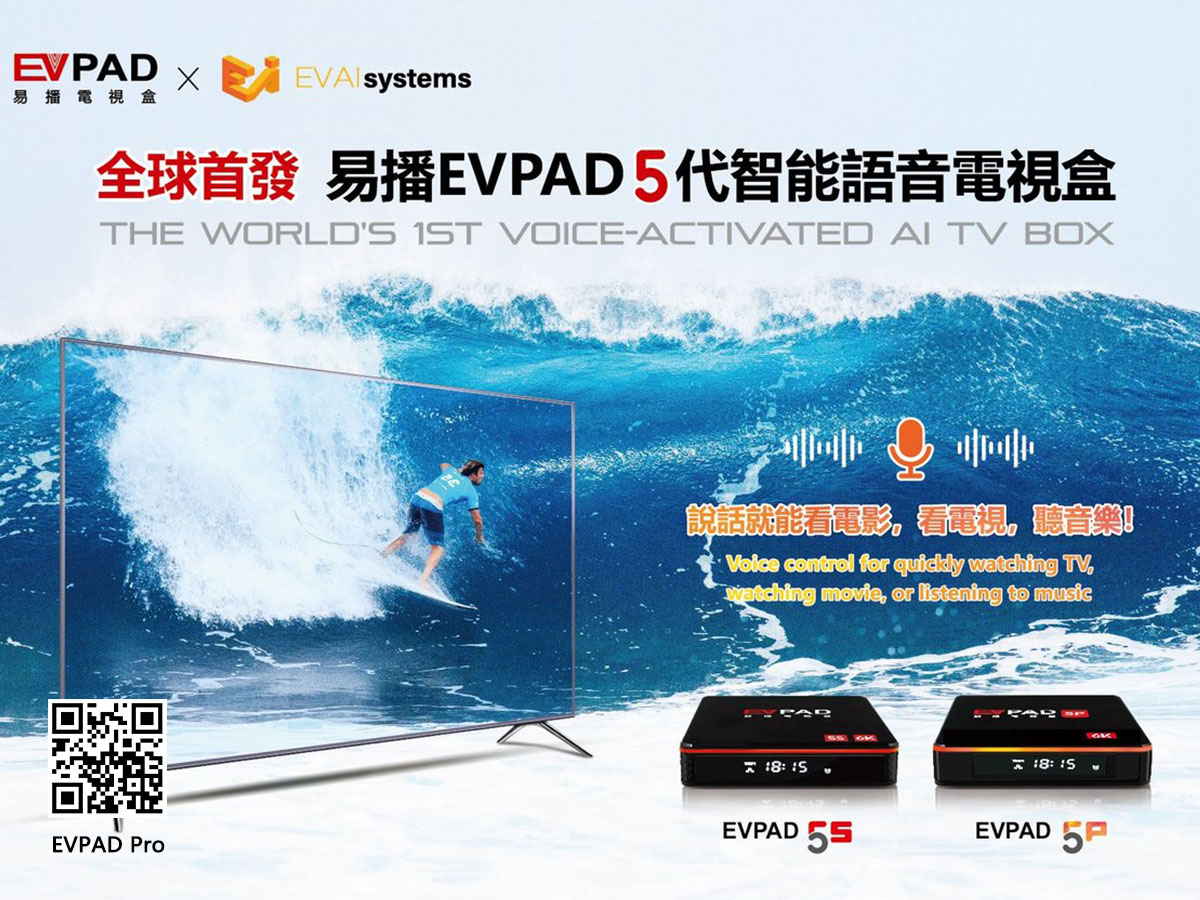
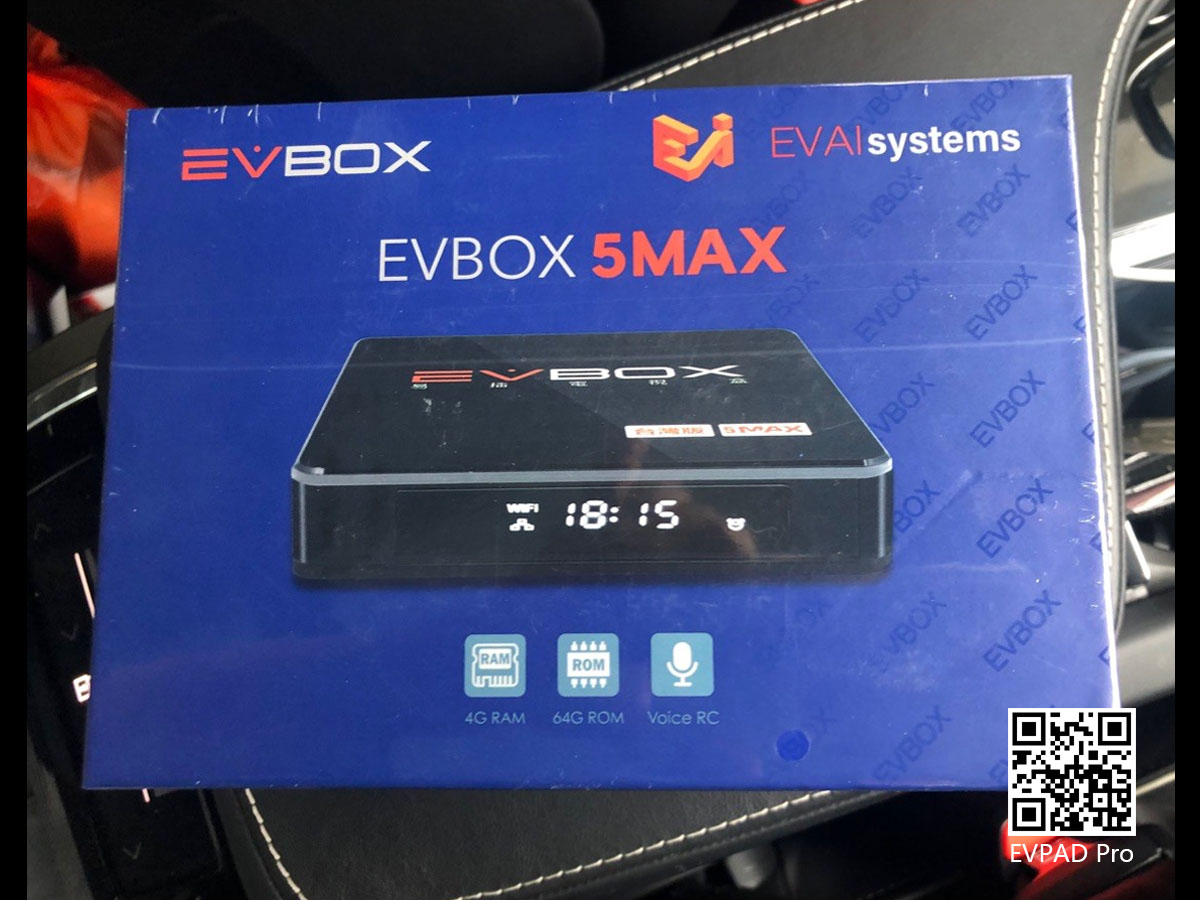
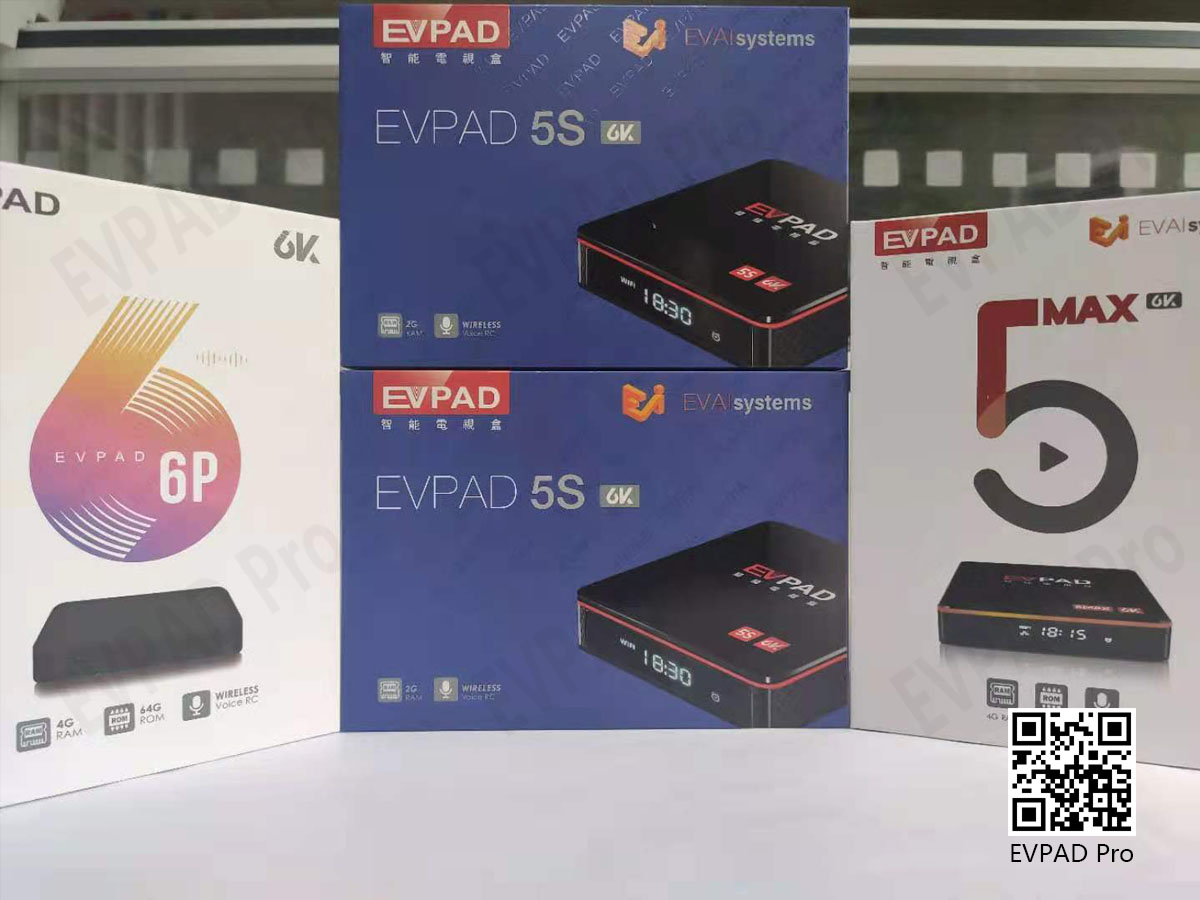
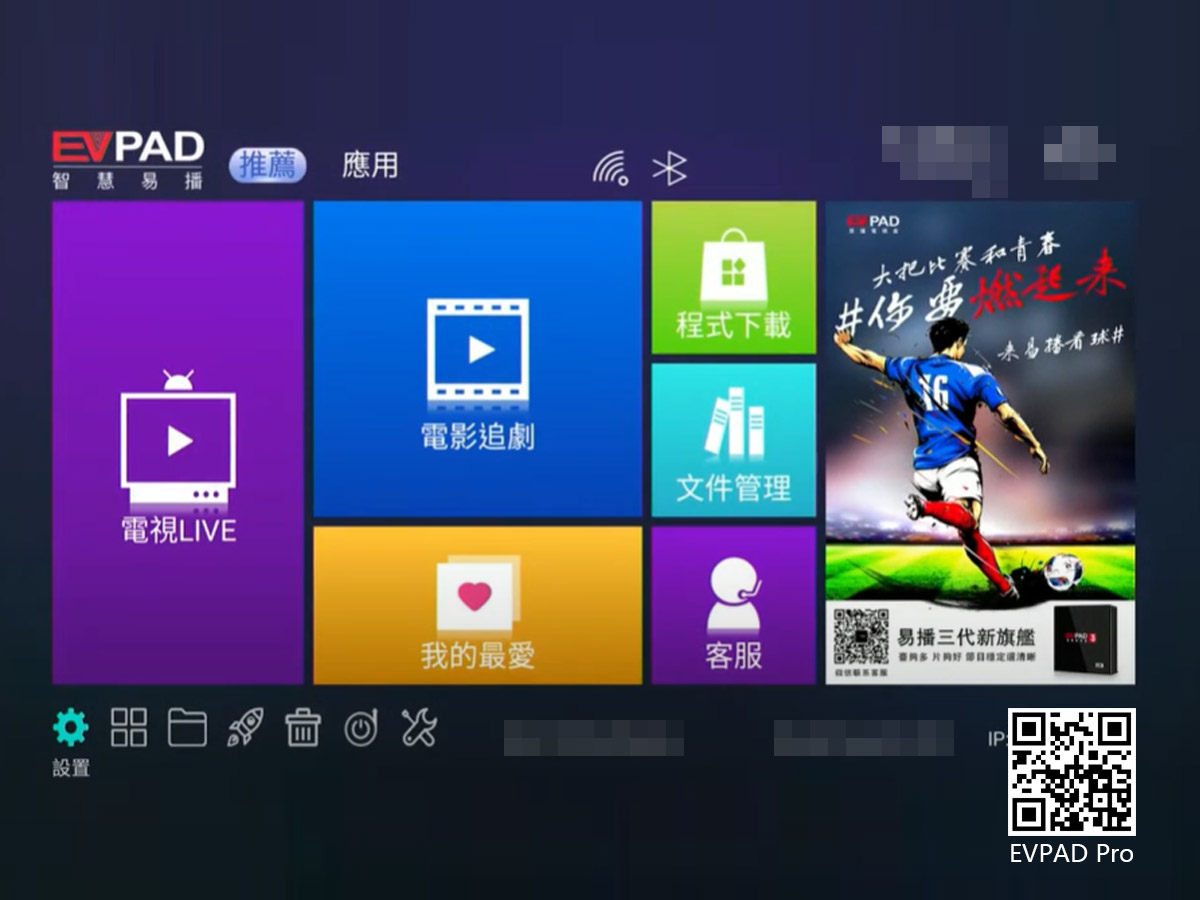
It can be said that an EVPAD TV box satisfies the different viewing needs of the whole family and different age groups. Compared with other TV box brands, EVPAD vs UBox, the speed of EVPAD's live channels is much faster than UBox. Such an easy-to-use EVPAD TV box is not as good as action. It is a must-have product for home entertainment.
By EVPADPro | 10 August 2021 | 0 Comments
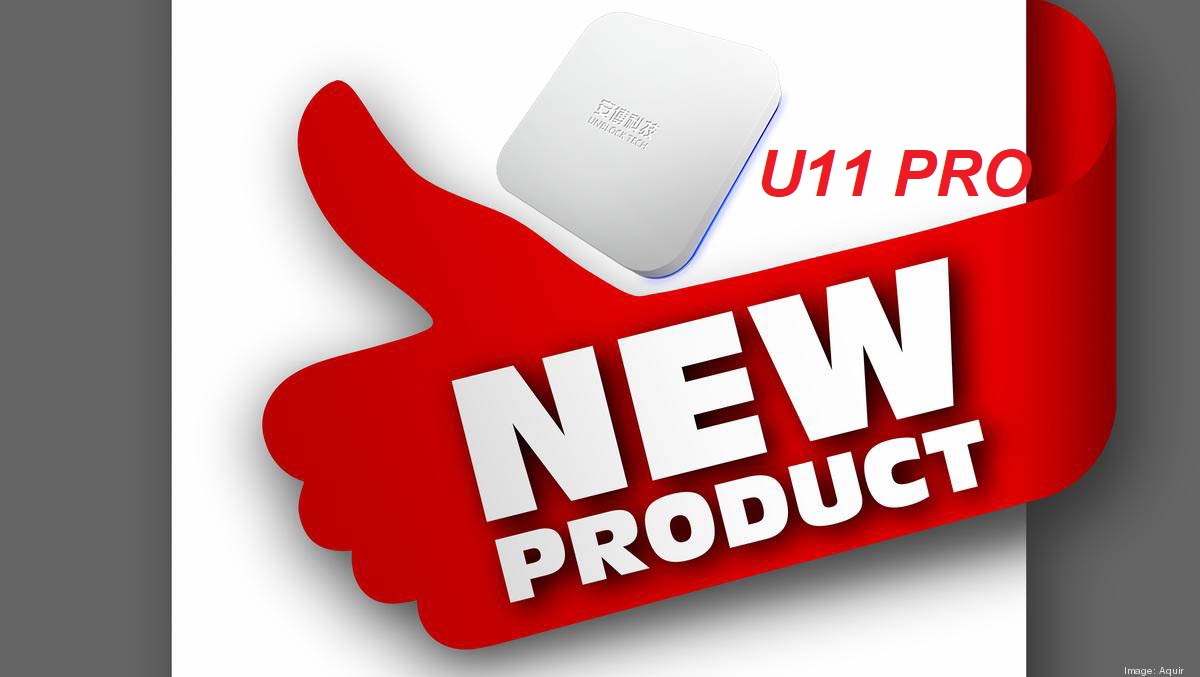
The Newest Model Unblock UBox11 Pro Has been Launched!
The newest model 2024 UnblockTech UBox11 Pro has been officially launched!
By EVPADPro | 20 February 2024 | 0 Comments
What to Look for in a Good Smart TV Box
Choosing from the wide range of Smart TV boxes with enticing reviews can be an easy task. Although finding yourself with the wrong Smart TV box is not something that might sound good to you. Smart TV boxes let you use your analog TV as a smart digital TV with added capabilities.
By EVPADPro | 12 January 2018 | 0 Comments
How Smart TV Boxes Transform Android TVs into Smart TVs
Smart TV boxes, also known as android TV boxes, are small devices used to provide smart TV features to android TVs. They allow you to connect your ordinary android TV to the internet, download apps, and stream entertainment content. In simpler words, these small gadgets are highly beneficial. However, they have one small downside. This is that they cannot automatically access Geo-restricted content.
By EVPADPro | 26 November 2018 | 0 Comments
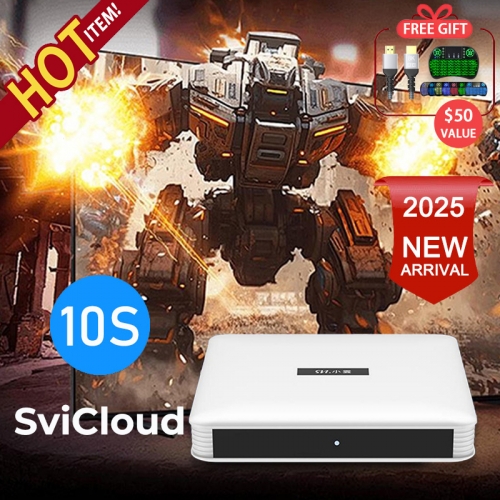
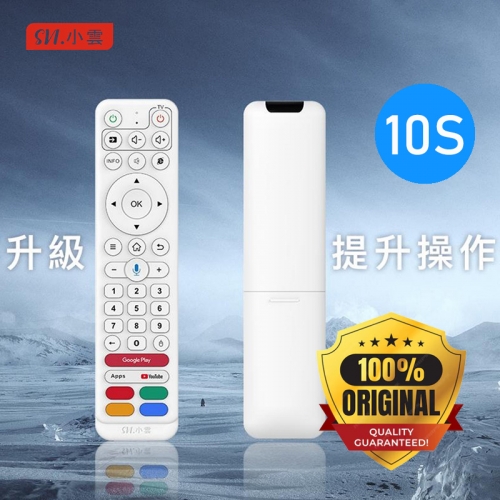
Introducing the New SviCloud 10S TV Box with Upgraded Hardware!
We're excited to unveil the latest in our lineup, the SviCloud 10S, now enhanced with significant software improvements!
By EVPADPro | 07 November 2024 | 0 Comments
What New Functions does Svicloud 9P has?
The latest model of Svicloud, 9P is officially released in May 2023. Thousands and thousands of TV box users have been waiting for this new model. Now let's reveal what is this new model all about.
By EVPADPro | 18 May 2023 | 0 Comments
Venus Video, HX Live, Venus Live Crashed? Here’s How to Fix It!
Recently, some users have encountered issues with popular apps like Venus Video, HX Live, and Venus Live crashing or not working properly on their EVPAD TV boxes.
By EVPADPro | 22 May 2025 | 0 Comments
Guidelines On Installing And Uninstall Apps From Evpad Store
EVPAD TV box has grown in popularity recently. The popularity is because it offers free premium channels to its customers and its affordability. In addition, the upgrade services provided are free. Therefore, it helps consumers save money for the monthly charges. One remarkable thing about owning an EVPAD TV box is the best free tv box apps.
By EVPADPro | 03 April 2019 | 0 Comments
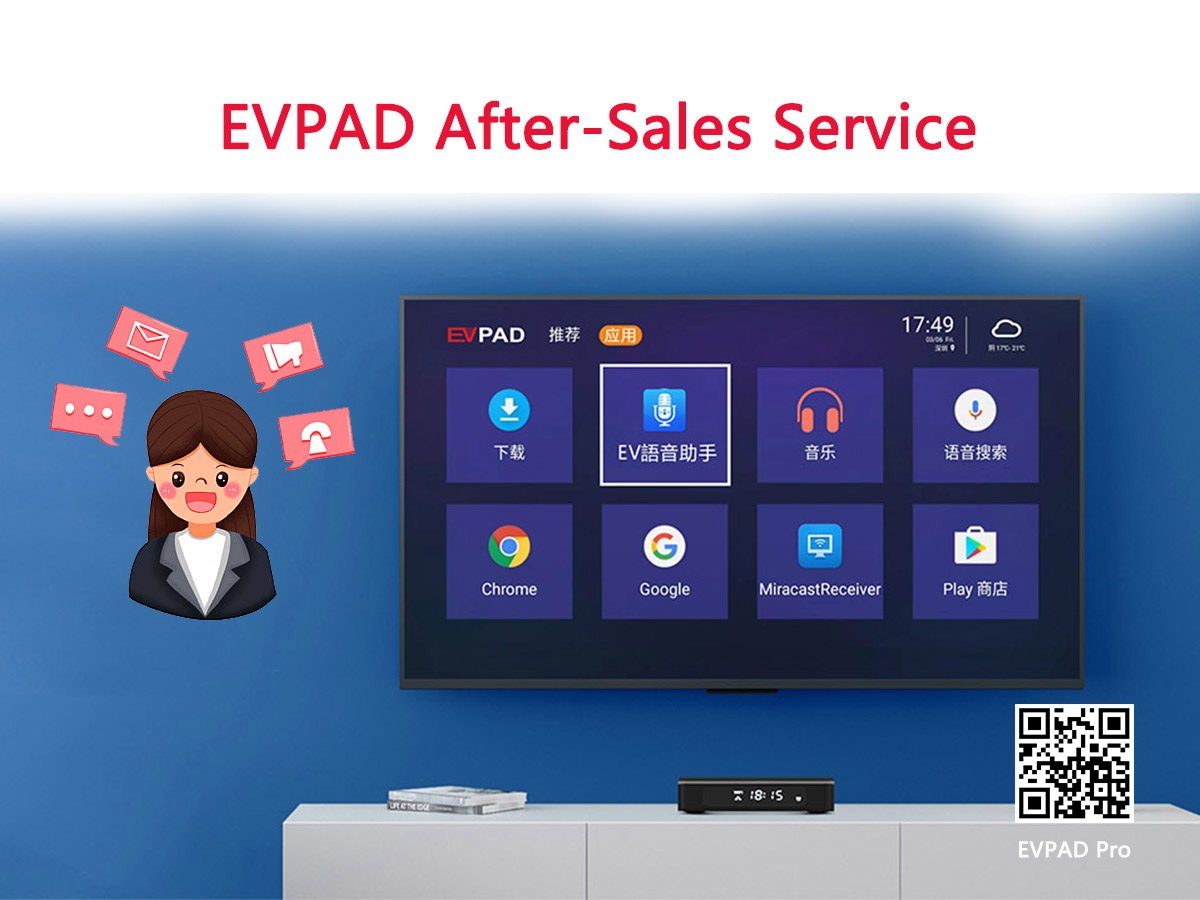
EVPAD TV Box After-Sale Service - Online Customer Service
Dear EVPAD TV Box users, thank you all for your continued love of EVPAD TV boxes. In order to let more customers enjoy the fun of life with EVPAD
By EVPADPro | 16 June 2021 | 0 Comments
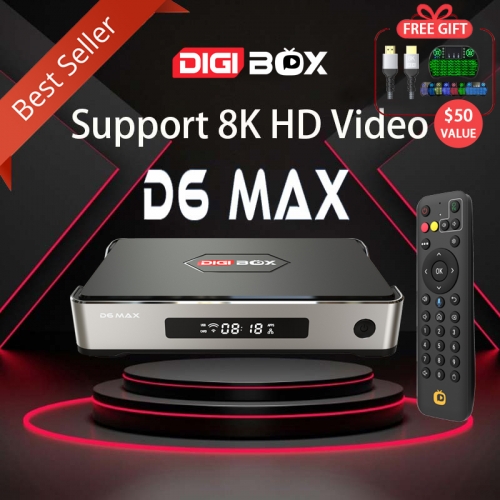
DIGIBOX Operation Guide - How to Use Mobile Remote Control
DIGIBOX is one of the most popular smart Android TV boxes in the whole industry now.
By EVPADPro | 24 October 2024 | 0 Comments
What TV Channels Can You Watch the UEFA Champions League 2024 On EVPAD, UBox11, and SviCloud 9P TV B
The UEFA Euro 2024 just started, and football fans worldwide are gearing up for a month of thrilling matches and unforgettable moments. This year, you can elevate your viewing experience with our smart Android TV boxes.
By EVPADPro | 18 June 2024 | 0 Comments
The Best Black Friday Deals on EVPADPro TV Boxes
The biggest shopping event of the year is here—Black Friday! At EVPADPro, we’re excited to bring you the best deals on our latest TV boxes.
By EVPADPro | 26 November 2024 | 0 Comments
EVPAD TV Box - With Multi Countries Free Channels & Huge Amounts of Films, a TV box You Must Have!
Don’t worry that there are too few TV channels, and you have to pay high fees
Provide channels from various countries to watch. Even in India, Indonesia, Vietnam, Singapore and Malaysia, etc.
By EVPADPro | 04 June 2021 | 0 Comments
What You Need to Know Before Ordering the EVPAD 12P TV Box?
Are you planning to buy the EVPAD 12P TV Box? Before placing your order, it's important to understand what is included in the package, how shipping works, and what to expect after your purchase.
By EVPADPro | 08 June 2026 | 0 Comments
Will Older EVPAD Models Be Discontinued?
Many users who are interested in EVPAD TV boxes often ask an important question: Will older EVPAD models stop working in the future?
By EVPADPro | 25 March 2026 | 0 Comments
How to Restart Your EVPAD TV Box and Fix Lag Issues?
If your EVPAD TV Box feels slow or less responsive, the first thing you should do is restart the device. Restarting helps clear temporary cache, refresh the system, and improve overall performance.
By EVPADPro | 02 July 2026 | 0 Comments
The Difference Between the International Version of EVPAD Kahon sa TV and Customized Version
The customized version of EVPAD has a different name. The American customized version is called “EVPAD My”, and the Taiwan customized version is called EVBOX. The Singapore customized version of EVPAD 6S is also called EVPAD 6SPro. There are many customized versions in the fifth generation, so what is the difference between the customized version and the international version?
By EVPADPro | 04 August 2021 | 0 Comments
TV Channels in Hong Kong in the EVPAD 6P TV Box
In the EVPAD TV box, there are TV channels in Taiwan and TV channels in Hong Kong, TVB routes, entertainment, finance, everything. From the previous EVPAD 2S to the current EVPAD 6P, EVPAD has experienced ups and downs for several years, and its functions are becoming more and more perfect. Nowadays, the EVPAD Hong Kong price is not high. What's more, a TV box that can be used continuously for four or five years without any major problems, what TV box can be compared with?
By EVPADPro | 27 July 2021 | 0 Comments
Where Can I Watch 2023 FIBA World Cup for Free?
Where can I watch the 2023 FIBA World Cup for free? We have a lot of people coming to ask us every day.
By EVPADPro | 23 August 2023 | 0 Comments
EVPAD TV Box Operation - EVPAD Factory Reset
First, find the "Settings" logo in the lower-left corner of the homepage, control the remote control to move to it, and press "OK" to enter the setting interface. Then find the "Backup and Reset" option, click it and then select to the right and click "Restore Factory Settings", then continue to select "Reset Device", and then confirm and click "Clear All". After that, you need to wait for a while for the system to clear the internal resources. After seeing the interface to select the system lan
By EVPADPro | 09 August 2021 | 0 Comments

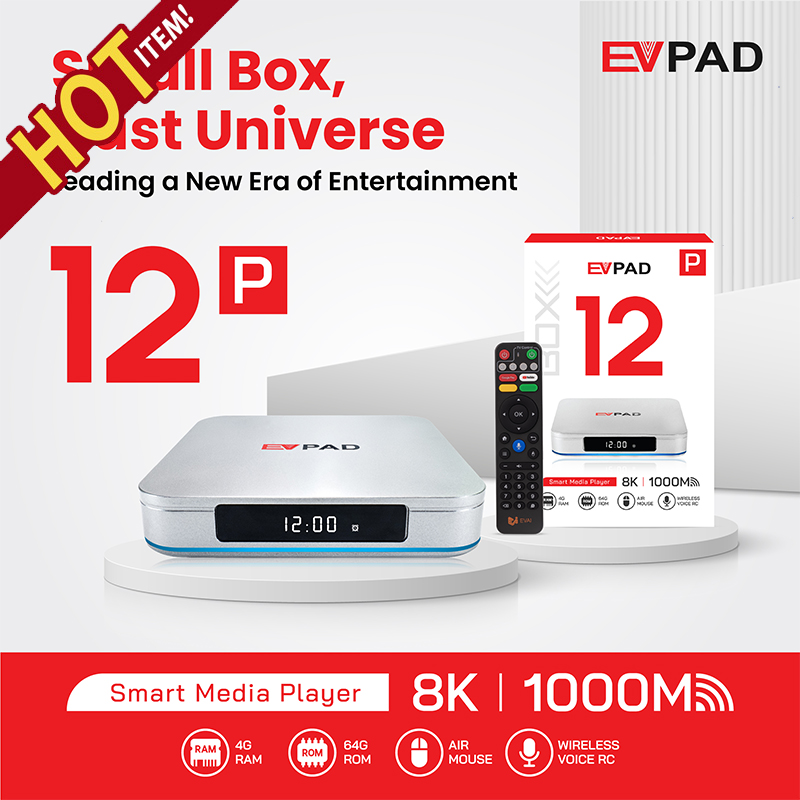
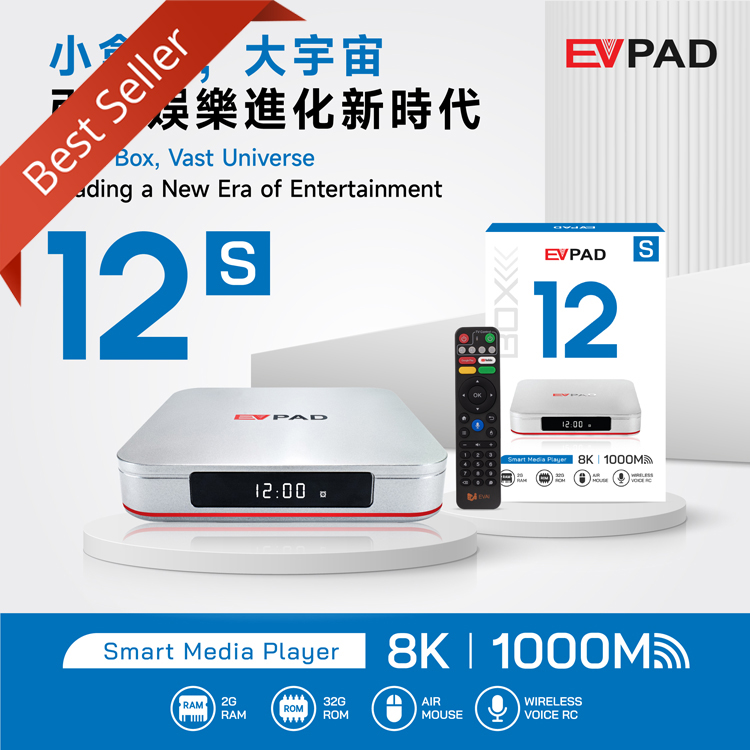


 USD
USD EUR
EUR GBP
GBP CAD
CAD AUD
AUD HKD
HKD JPY
JPY KRW
KRW SGD
SGD NZD
NZD THB
THB TWD
TWD Sale
Sale
 Sale
Sale
 Sale
Sale

 Sale
Sale
 Sale
Sale
 Sale
Sale
 Sale
Sale
 Sale
Sale
 Sale
Sale
 Sale
Sale
 Sale
Sale

 Sale
Sale
 Sale
Sale
 Sale
Sale

 Sale
Sale
 Sale
Sale
 Sale
Sale
 Sale
Sale
 Sale
Sale
 Sale
Sale